 AlgoVistra
Binance file import
Upload Binance Spot or USDⓈ-M Futures Trade History exports as CSV or Excel. No API key and no exchange connection.
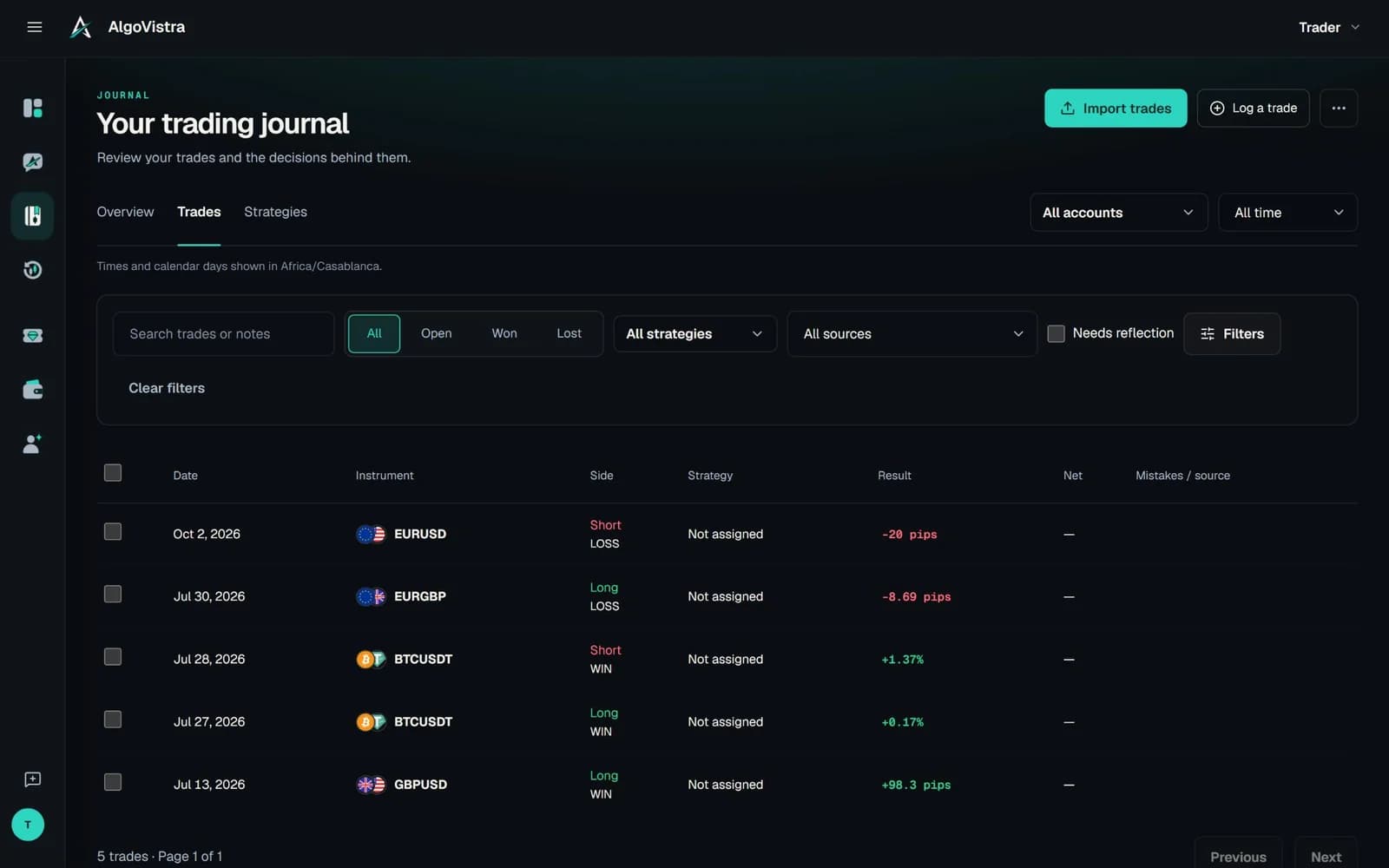
Crypto trading journal
A free crypto trading journal for Binance traders. Import your Binance Spot and USDⓈ-M Futures trade history, keep fees and realized P&L exactly as Binance reported them, and review every BTC, ETH or altcoin trade on its chart with your AI assistant.
What is a crypto trading journal?
Ask your crypto history
Once your Binance history is in, your assistant can split results by coin, session and habit, and find what the exchange's own history page can't.
Illustrative conversation · Sample data · Not financial advice
Binance trading journal
Upload Binance Spot or USDⓈ-M Futures Trade History exports as CSV or Excel. No API key and no exchange connection.
Commission, fee asset and futures realized P&L are kept as Binance reported them. Funding is included when the file reports it.
Sells close the oldest buys first, and one sell can close several buys, so spot results follow your real inventory.
Review any trade on its historical chart, then ask for AI chart analysis on live BTC and ETH candles.
Crypto results are measured in percent by default, so a BTC trade and an altcoin trade compare fairly.
Overlapping exports and trades you logged by hand are flagged for review, and any import can be undone.
What's included
Cash results come only from what Binance reported. Nothing is converted between assets or estimated from prices.
How to export from Binance
Binance lets you download trade history as a file from its Orders pages. Longer ranges may be prepared as a download link.
On Binance, go to Orders, then Spot Order or Futures Order (USDⓈ-M), and open the Trade History tab.
Choose Export, pick the date range you want, and download the CSV. Upload it as it is; resaving it in a spreadsheet app can change dates and decimals.
In the Journal, choose Import trades, pick Binance Spot or Binance Futures, select or create the account, and upload.
File import vs API sync
| Feature | AlgoVistra file import | API-key sync | Exchange history page |
|---|---|---|---|
| What you share | Only the file you export | A read-only API key | Nothing |
| Trades on a chart | Every trade | Varies by app | No |
| Notes, emotions, lessons | On every trade | Varies by app | No |
| Updates automatically | Upload when you want | Yes | Yes |
| AI review of your history | Ask in plain words | Varies by app | No |
FAQ
On Binance, open Orders, then Spot Order or Futures Order (USDⓈ-M), go to Trade History and choose Export. Pick the date range and download the CSV, then upload it to AlgoVistra without editing it.
Yes. USDⓈ-M Futures trade history imports with realized P&L, commission and position side, and long and short positions are kept apart. Coin-margined (COIN-M) futures are not supported yet.
Yes. AlgoVistra's Free plan includes the crypto trading journal, Binance import and trade review on the chart, with no time limit and no card.
No. You import trade history files you download yourself. AlgoVistra never asks for API keys, never connects to your exchange and never places trades.
Binance Spot and Binance USDⓈ-M Futures file imports today. Trades from other exchanges can be logged in chat or by hand.
Commission is always kept with its fee asset. Funding is included when the export reports it; AlgoVistra never estimates fees that aren't in the file.
Yes. Import each as its own account and review them together or separately in the same journal.
Start free
Export your trade history, upload it, and ask what it says. Free, no card.
Free plan with no time limit. No card needed.