 AlgoVistra
The report you already have
Upload the MT5 account history as HTML or Excel (XLSX). CSV and SpreadsheetML files work too.
MT5 trading journal
A free MT5 trading journal: export your MetaTrader 5 history report, upload it, and every deal becomes a trade you can review on its chart, with commission and swap as your broker reported them. No EA, no investor password, no broker connection.
What is an MT5 trading journal?
After the upload
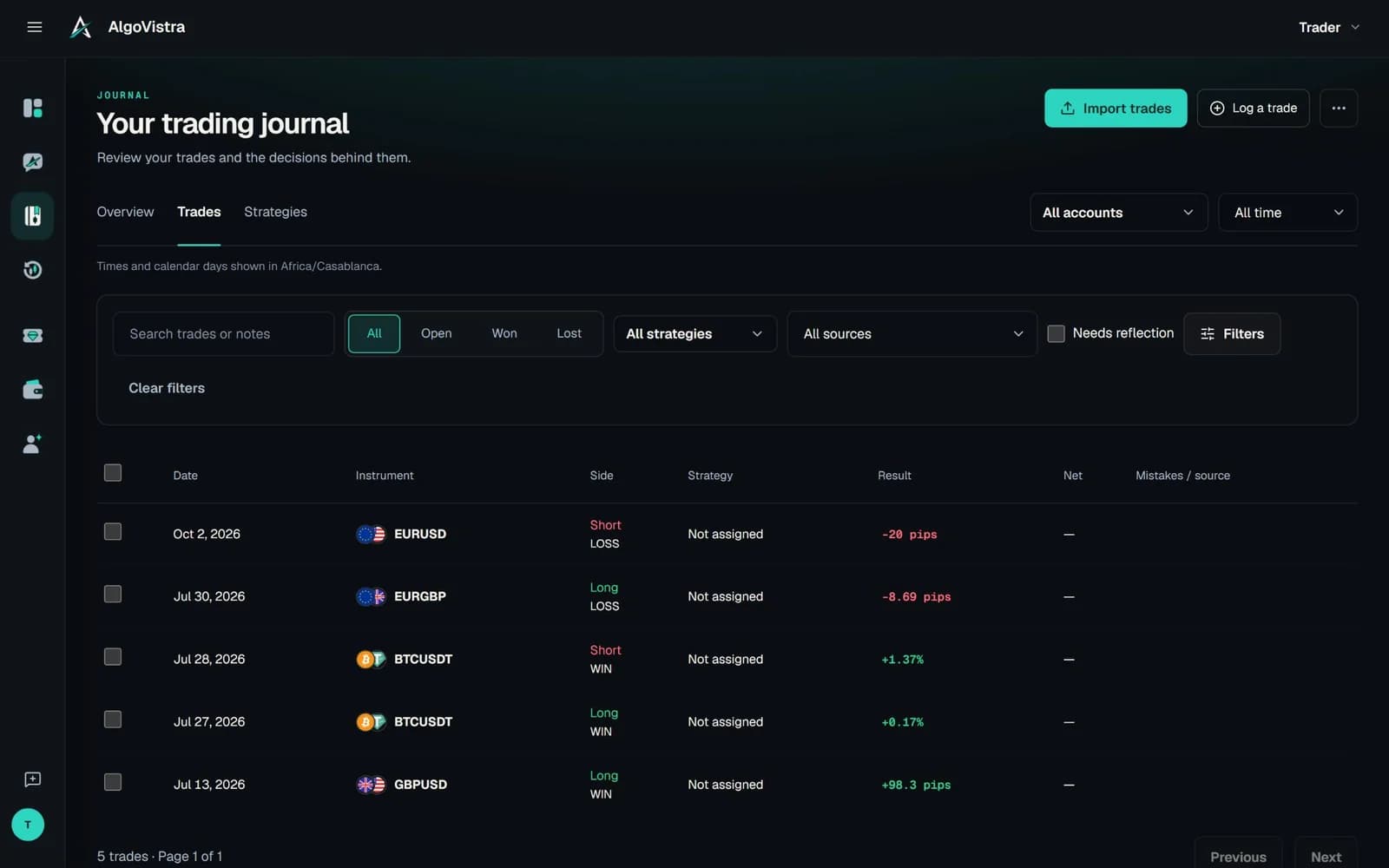
The import groups opening and closing deals into trades, flags anything that looks like a duplicate, and your assistant can start the review straight away.
Illustrative conversation · Sample data · Not financial advice
MetaTrader 5 journal
Upload the MT5 account history as HTML or Excel (XLSX). CSV and SpreadsheetML files work too.
Nothing is installed in your terminal and no investor password is shared. You choose every file you import.
Deals are grouped by position ID. Hedged positions import side by side; netting accounts keep one flat-to-flat lane.
Open any imported trade on its historical chart with entry, exit and your broker's stop loss and take profit.
Re-importing the same file is recognised, and trades you logged by hand are flagged for you to keep, discard or merge. Any import can be undone.
Choose your statement time zone once per account (broker server time, a fixed offset or New York +7) so sessions line up.
What gets imported
Profit, commission and swap are taken from the report as your broker stated them; nothing is recalculated from prices or converted between currencies.
How to export from MT5
Use the MetaTrader 5 desktop terminal; the report is the same one your broker's statement is built from.
In MetaTrader 5, open the Toolbox (Ctrl+T), select the History tab and choose the period you want, for example the last 3 months or a custom range.
Right-click the history list, choose Report, and save it as HTML or Open XML (Excel). Keep the English column headers.
In the Journal, choose Import trades, pick MT5, create or select the account (live, demo or prop), set the statement time zone and upload the file.
File import vs auto-sync
| Feature | AlgoVistra file import | EA or bridge sync | Investor-password sync |
|---|---|---|---|
| What you share | Only the file you choose | Software in your terminal | Read-only account login |
| Works with any MT5 broker | If the report has English headers | Depends on the bridge | Supported brokers only |
| Updates automatically | Upload new history when you want | Yes | Yes |
| Commission and swap | As reported, never recalculated | Usually | Usually |
| Price | Included in the Free plan | Varies | Varies |
Ask about your MT5 history
FAQ
In the MetaTrader 5 desktop terminal, open the Toolbox, go to the History tab, choose the period, right-click the list and select Report. Save it as HTML or Open XML (Excel) and upload that file to AlgoVistra.
No. AlgoVistra imports the history report file you export yourself. Nothing is installed in MetaTrader and no account credentials are shared.
The import reads MetaTrader 5 account history reports. MT4 reports are not supported today; you can still log MT4 trades in chat or by hand.
Yes. Create one account per MT5 account and mark each as live, demo or prop. Each account keeps its own currency and statement time zone, and you can review them separately.
MT5 reports use your broker's server time, which is often New York time plus seven hours. Choose that option, an IANA time zone or a fixed UTC offset when you set up the account so trade times and sessions are correct.
No. Re-uploading the same file is recognised, deals are matched by their deal ID, and trades you logged by hand that look like imported ones are flagged for you to keep, discard or merge.
Yes. MT5 import, the journal and trade review on the chart are included in the Free plan, with no time limit and no card.
Start free
Upload your MetaTrader 5 report and get your whole history on the chart, ready to review. Free, no card.
Free plan with no time limit. No card needed.